Workflow map
New: follow one complete workflow
If you want to see the package used from beginning to end before choosing a domain, open the end-to-end EDA research workflow. It connects real public package calls to measurement checks, decision gates, derived tables, figures, exported artifacts and reporting evidence. The companion script is executed in documentation CI.
Choose by recorded data
| You have | Establish first | Typical next steps | Go to |
|---|---|---|---|
| I want one complete worked workflow | package + data structure | QC → process → inspect → export → report | End-to-end EDA workflow |
| EDA / GSR | units, activity, missingness, timing | tonic/phasic decomposition, SCR detection, event summaries | EDA / GSR / SCR |
| PPG waveform | source + observed sampling + pulse quality | peak detection, intervals, PRV/HRV-ready diagnostics | PPG / HRV |
| IBI / RR / NN intervals | source identity, units, cleaning status | time/frequency/nonlinear variability, agreement checks | PPG / HRV |
| Pupil diameter | eye/channel, validity, blinks, timing | baseline/change summaries, event windows, AOI linkage | Pupil / gaze / AOI |
| Gaze coordinates / fixations | coordinate space, validity, event source, timebase | AOIs, transitions, saccades, linked physiology | Pupil / gaze / AOI |
| TTL / event markers | event identity, edge semantics, clock | trial windows, event locking, cross-stream alignment | Multimodal alignment |
| Multiple streams | clock identity + overlap + anchors | offset/drift correction, alignment, windowed features | Timebase guide |
| External neuro/physiology files | backend/version + exchange semantics | MNE, LSL/XDF, BioSPPy, HeartPy, pyHRV, NeuroKit bridges | Interoperability |
| Completed analysis | QC evidence + software identity + settings | visual audit, reproducibility, interpretation guardrails | QC + reporting |
| Repeated/crossed outcome data | grouping structure + prediction target | grouped prediction or hierarchical location–scale modelling | Model selection |
Jump straight to the relevant API
The function finder now preserves its selected domain in the page URL. These shortcuts open the matching API lens directly, so a workflow can move from what to do to which functions implement it without repeating the search. The resulting filtered view can also be bookmarked or shared.
Recommended research pipeline
graph LR
  A[1 · Ingest] --> B[2 · Audit]
  B --> C[3 · Process]
  C --> D[4 · Align]
  D --> E[5 · Summarise]
  E --> F[6 · Model]
  F --> G[7 · Report]
  B -. evidence insufficient .-> R[Review / narrow claim]
  D -. timing unsupported .-> R
F -. design unsupported .-> RThree workflow checkpoints
Measurement-ready
Source identity, units, timebase, channel validity, event coverage, and grouping variables are sufficiently documented for processing.
Analysis-ready
Transformations are explicit, alignment is defensible, exclusions are traceable, and the model-ready table reflects the intended scientific unit.
Report-ready
Results are accompanied by QC evidence, settings, figures, versions, prediction semantics, sensitivity checks, and restrained interpretation.
What makes a workflow complete?
Retain at least:
- raw-to-standardized schema decisions;
- source/provenance declarations where scientific identity matters;
- observed timebase evidence and any clock mapping;
- signal validity, missingness, dropout, and artifact evidence;
- preprocessing/filter/detection settings;
- event, trial, condition, and AOI coverage;
- optional backend/software versions;
- generated figures used for review;
- exclusion decisions with reasons;
- model specification and validation unit;
- final reporting/reproducibility object or evidence bundle.
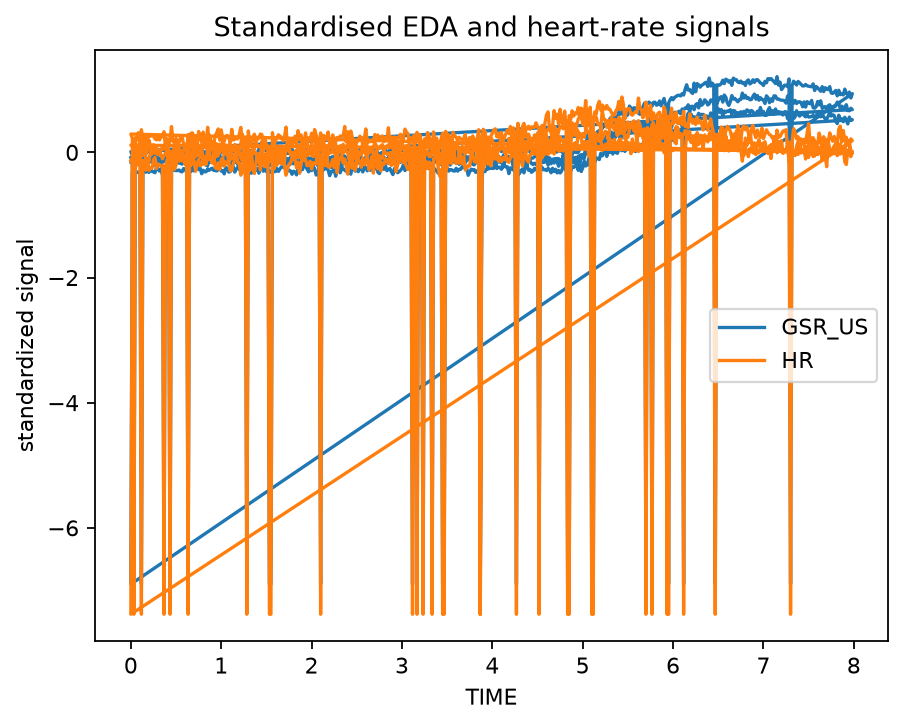
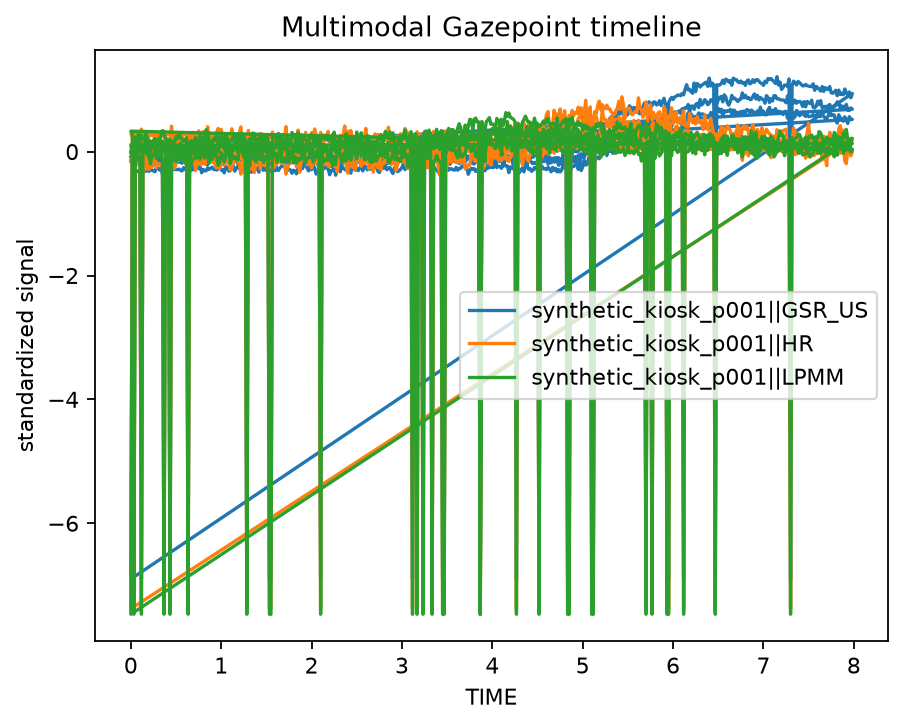
Visual workflow evidence
Cross-toolbox validation
gpbiometricspy can work with or prepare workflows for several established ecosystems. These bridges are for interoperability and cross-checking, not for silently changing the package's declared analysis contract.
Need a guided path?
- Full hands-on package use: Data to report
- New to the package: First analysis
- New research dataset: Validate a new dataset
- Multiple clocks/streams: Timebase and alignment
- Statistical structure: Choose a modelling strategy
- Paper/supplement preparation: Reporting and reproducibility
- Validation evidence: Parity & validation, Deep validation, and Private real-data validation